All free toolsBrowse products
Selling & Products
Product FAQ Generator
Describe your product and get a ready-made FAQ section that removes buyer doubts and reduces support messages.
Results
Fill in the details and hit Generate FAQ to see your results here.
Want ready-made websites and store kits? Browse instant-download digital products from R99.
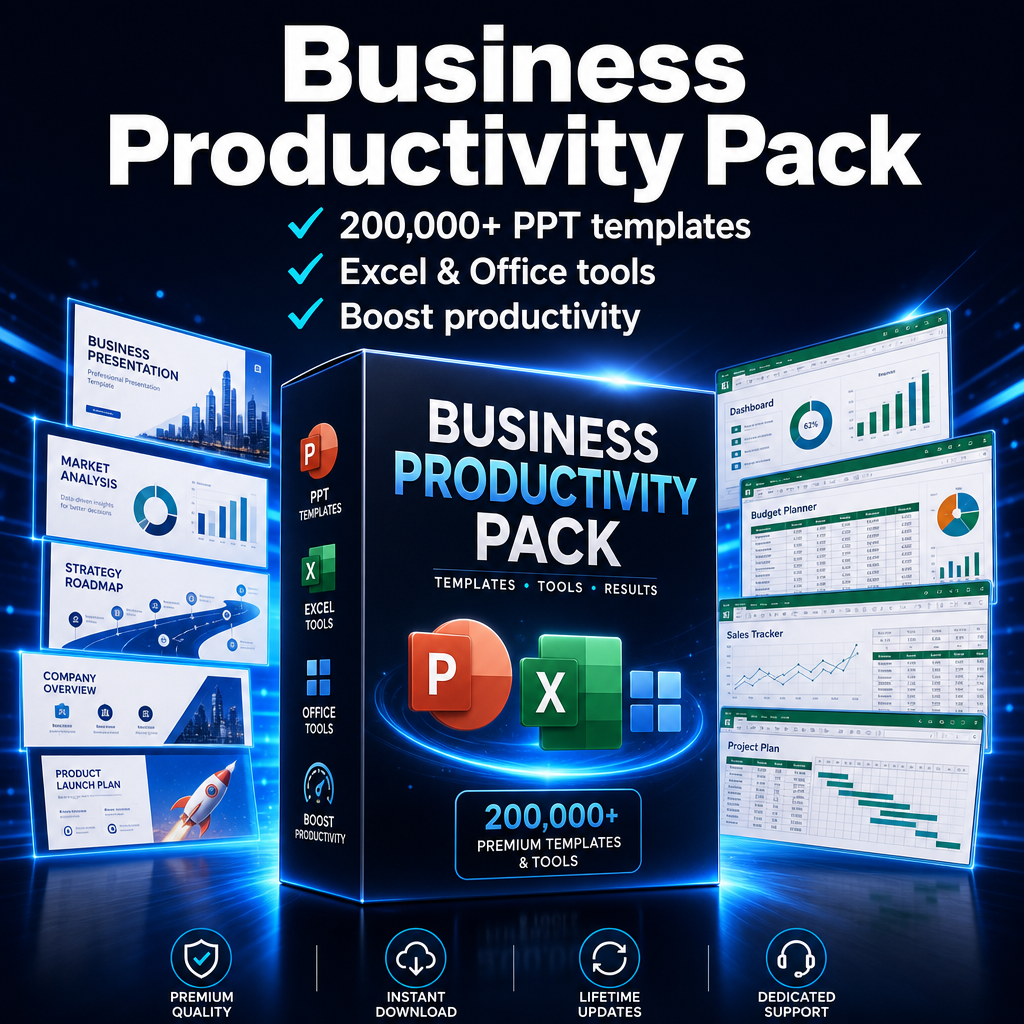
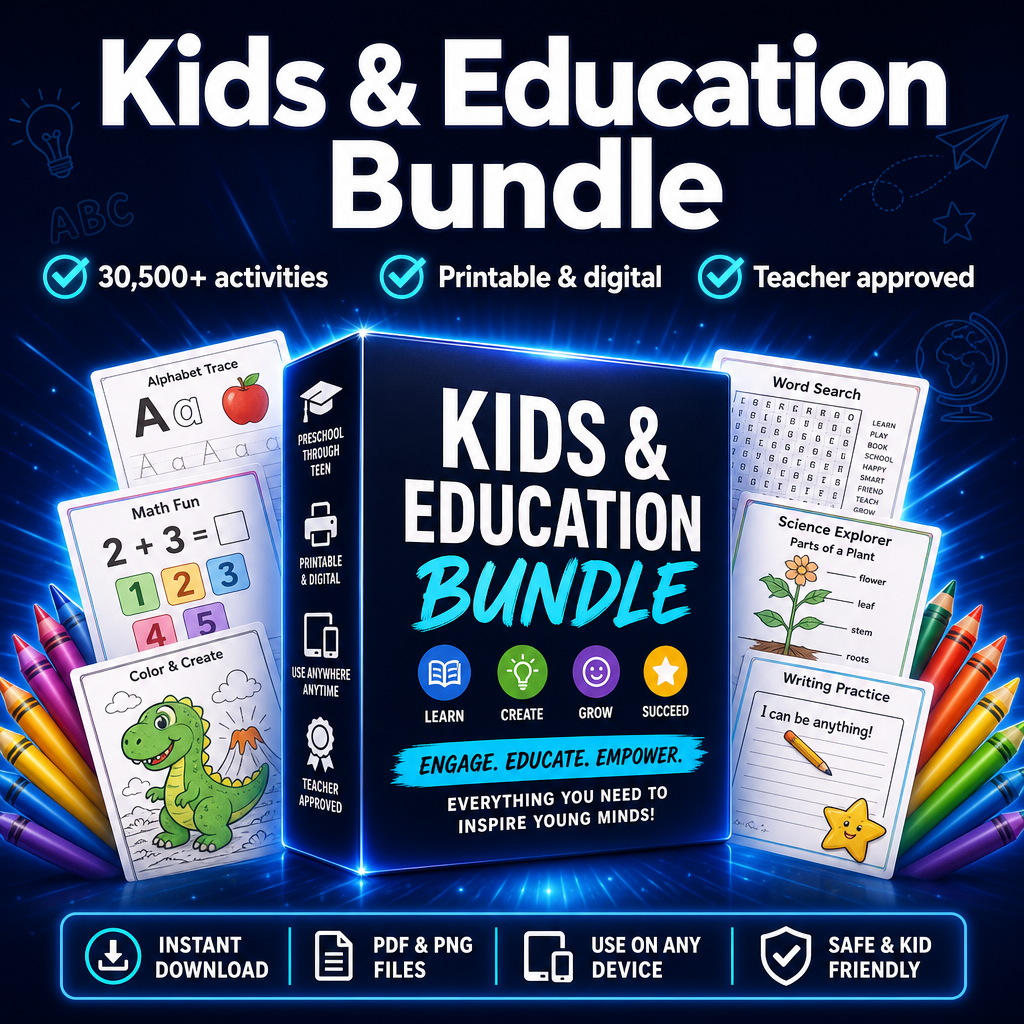
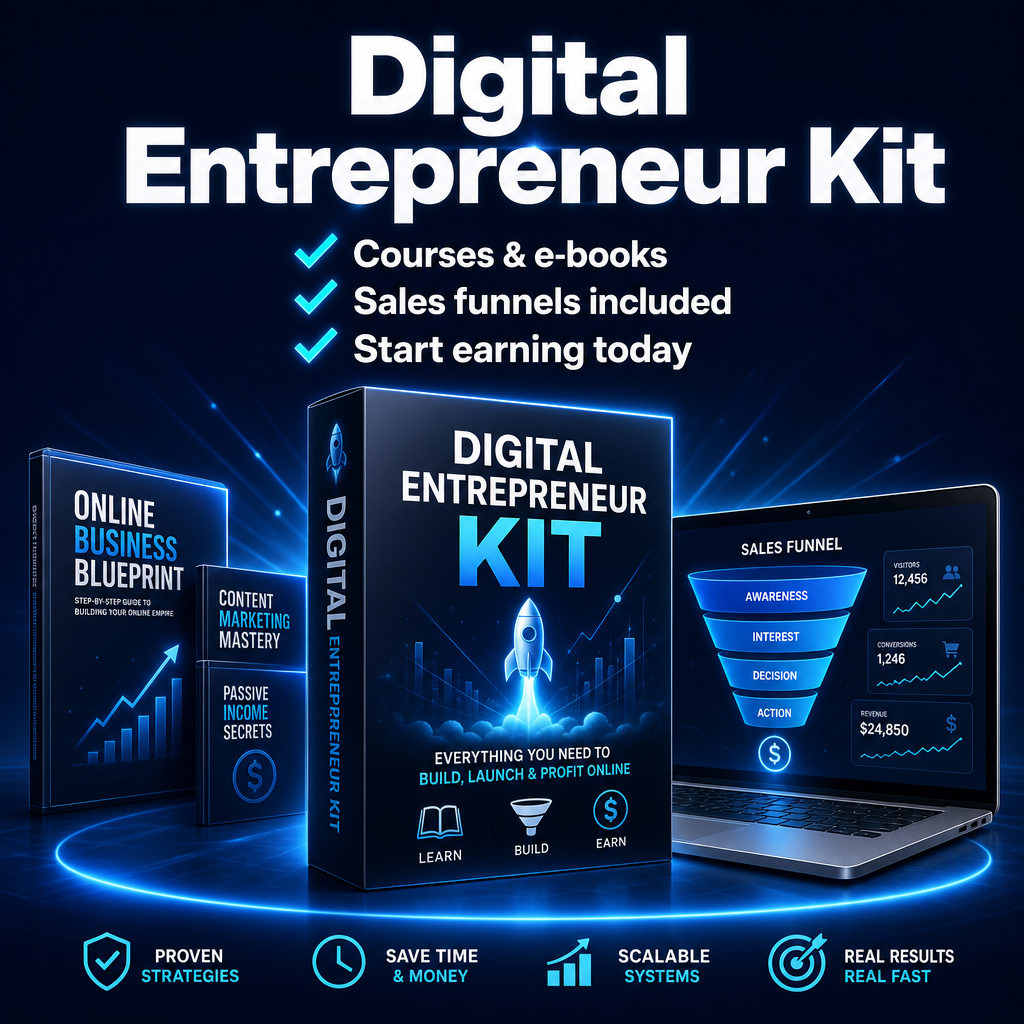
Popular right now
How to use the Product FAQ Generator
- Fill in the fields above with your product, brand or topic.
- Choose your preferred style or tone.
- Click Generate FAQ and get instant results.
- Copy what you like, regenerate for more, and put it to work.
Frequently asked questions
Why add an FAQ to my product page?
FAQs answer objections before a buyer clicks away, which lifts conversions and cuts down on support questions.
Can I edit the questions?
Yes — treat the output as a first draft and tweak anything to match your real policies.
How many questions should I use?
Five to seven well-chosen questions is usually plenty for a product page.
Enjoying the free tools?
Join the list for new tools, product drops and a 15% welcome code off your first order.