All free toolsBrowse products
Social & Content
YouTube Title & Description Generator
Tell us what your video is about and get click-worthy title options plus a ready-to-paste description.
Results
Fill in the details and hit Generate titles & description to see your results here.
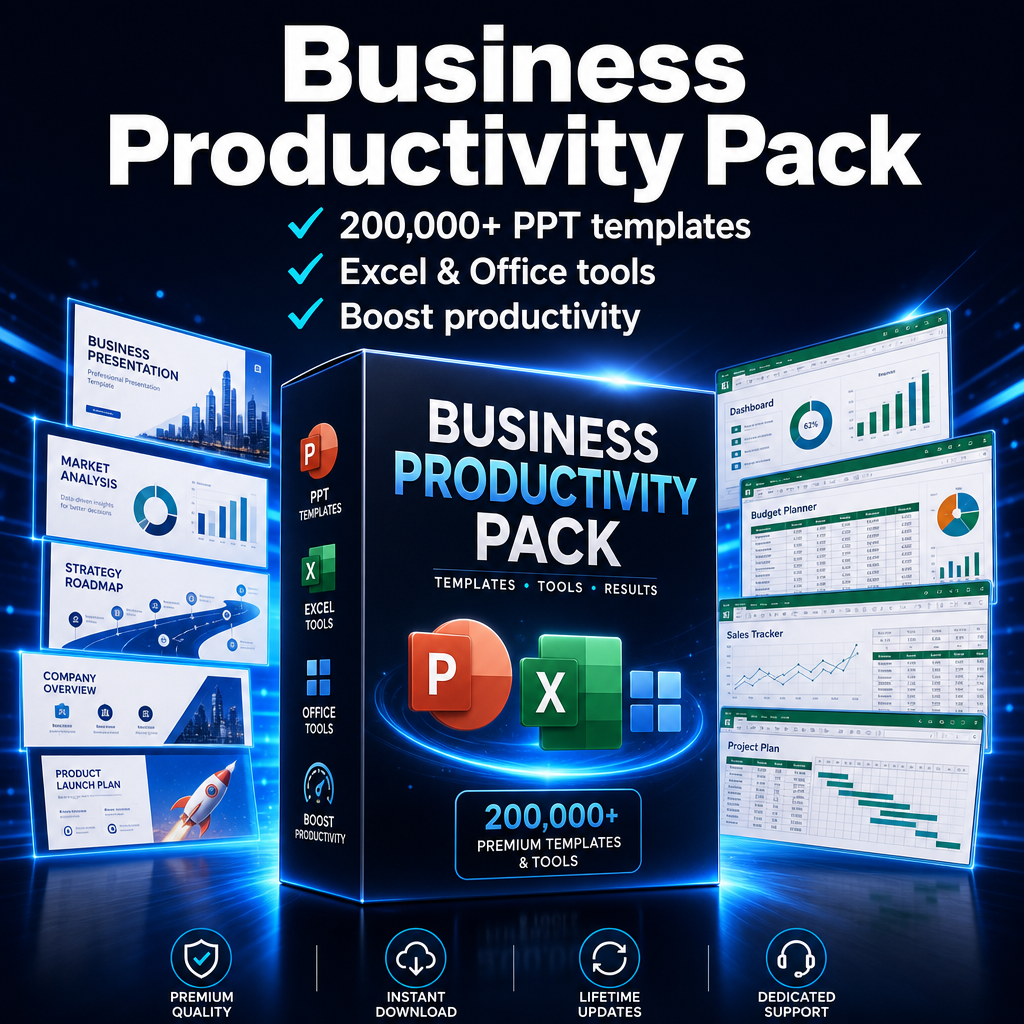
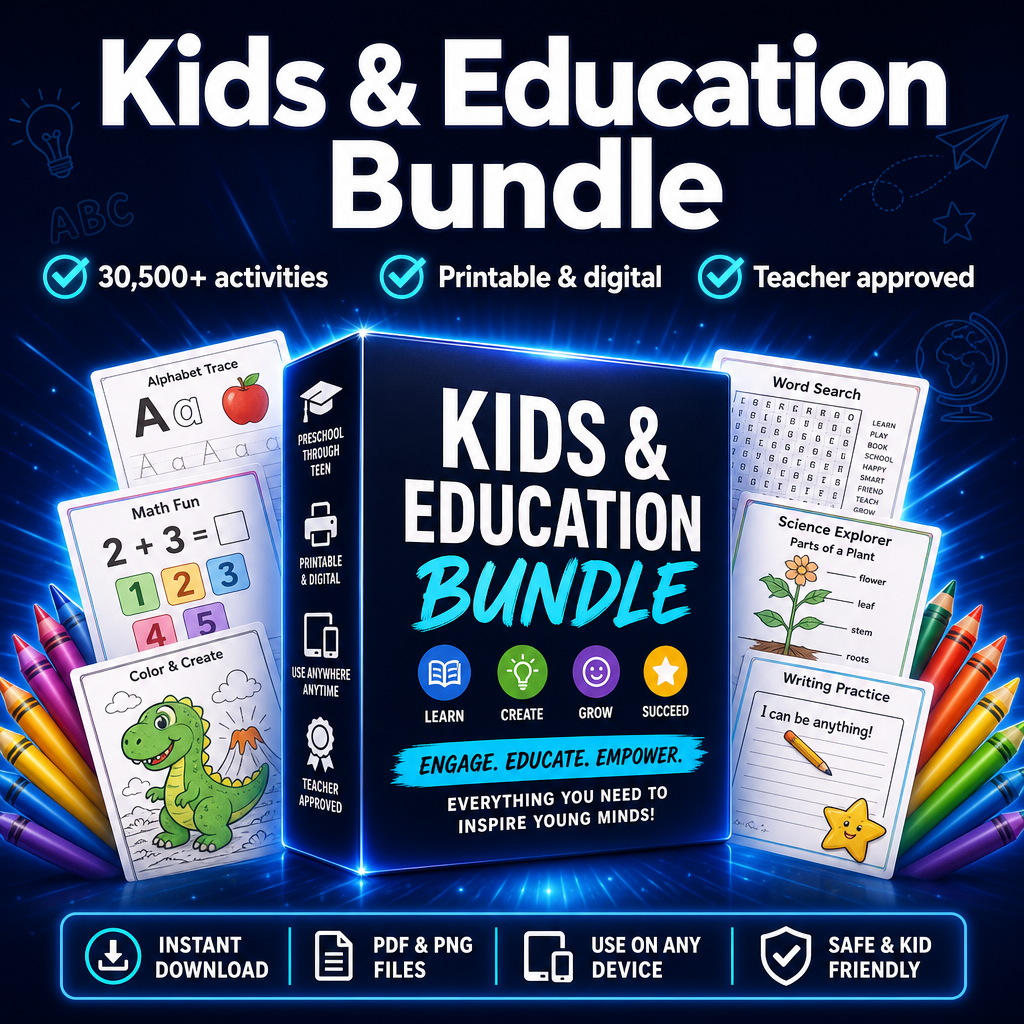
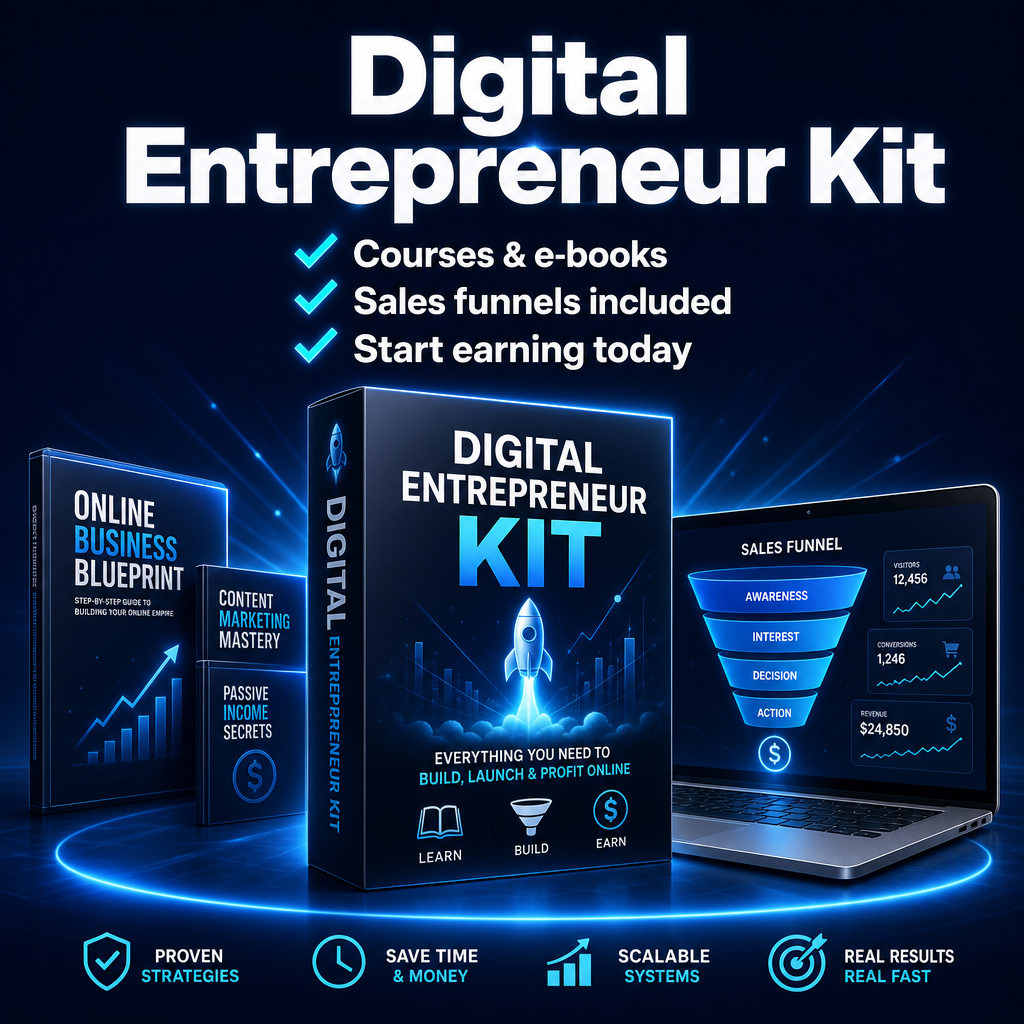
Want video content and faceless channel bundles? Browse instant-download digital products from R99.
Popular right now
How to use the YouTube Title & Description Generator
- Fill in the fields above with your product, brand or topic.
- Choose your preferred style or tone.
- Click Generate titles & description and get instant results.
- Copy what you like, regenerate for more, and put it to work.
Frequently asked questions
How long should a YouTube title be?
Keep titles under about 60 characters so they are not cut off in search and suggested videos.
Does it write the description too?
Yes — you get an SEO-friendly description and a set of tags along with the titles.
Is it good for Shorts?
Yes, the titles work well for both long-form videos and Shorts.
Enjoying the free tools?
Join the list for new tools, product drops and a 15% welcome code off your first order.